Where
On the path everyone takes anyway: staff entrance, cloakroom, kitchen door. Between eye and hip height, so the phone can be held to it comfortably.
Surface
Clean, dry, smooth: wood, plaster, glass, plastic, a painted wall or metal — the NFC tag is made for metal.
Applying
Clean the surface with alcohol, peel the protective film off the sign, place the NFC tag on the adhesive side under the marked circle, then press the sign on from the middle outwards and leave it alone for 24 hours. The NFC tag is invisible underneath; the orange circle shows where the phone goes.
Checking
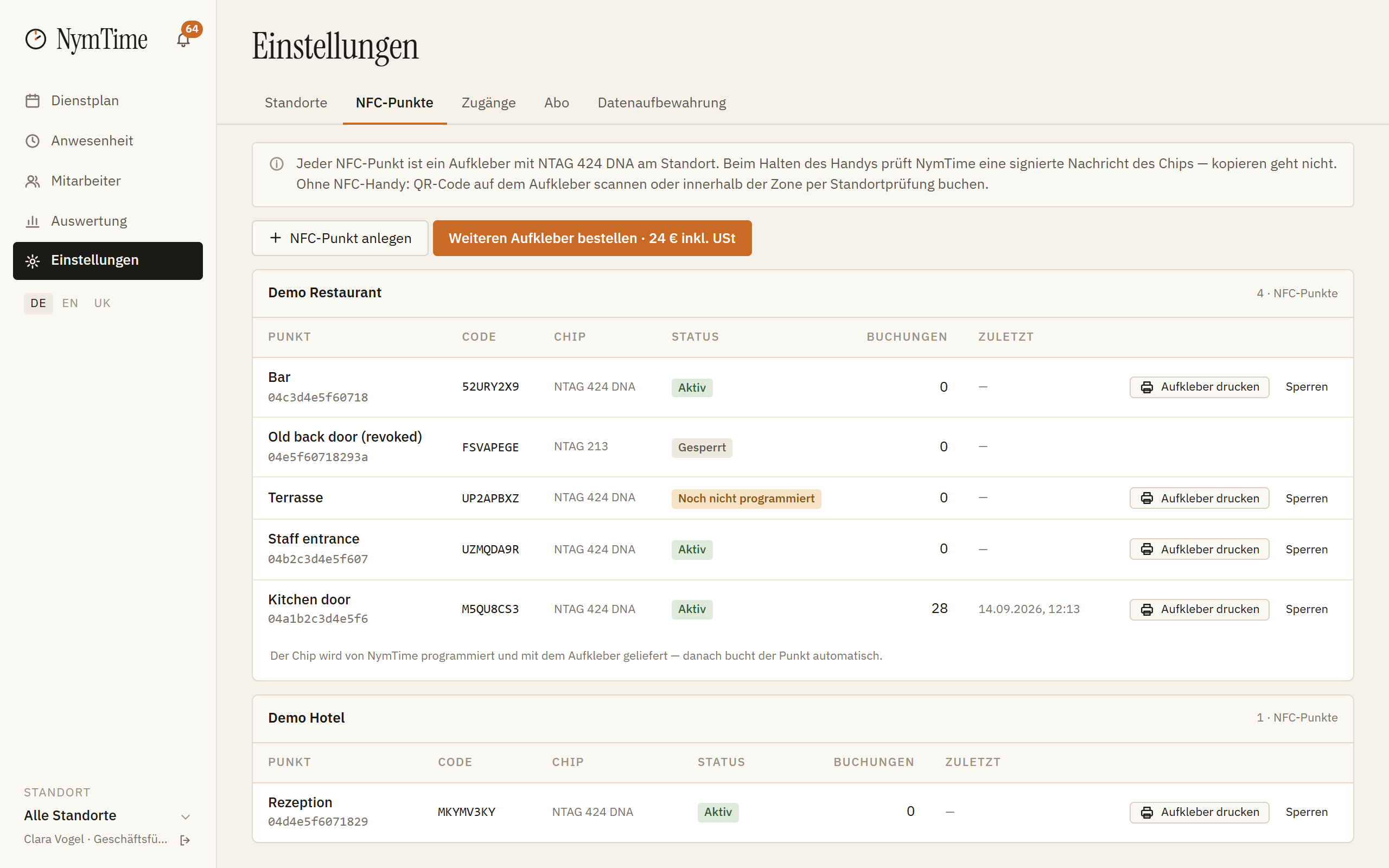
The NFC tag arrives already assigned to your location. Switch «NFC» on for the location in the Back Office sidebar and hold a phone with the app to it. If the time entry appears, everything is right.
Replacement
If an NFC tag fails within 12 months without external damage, we replace it free of charge — an e-mail describing the fault is enough. Lost or damaged NFC tags are re-ordered in the Back Office at 24 € plus VAT; the old one is blocked.