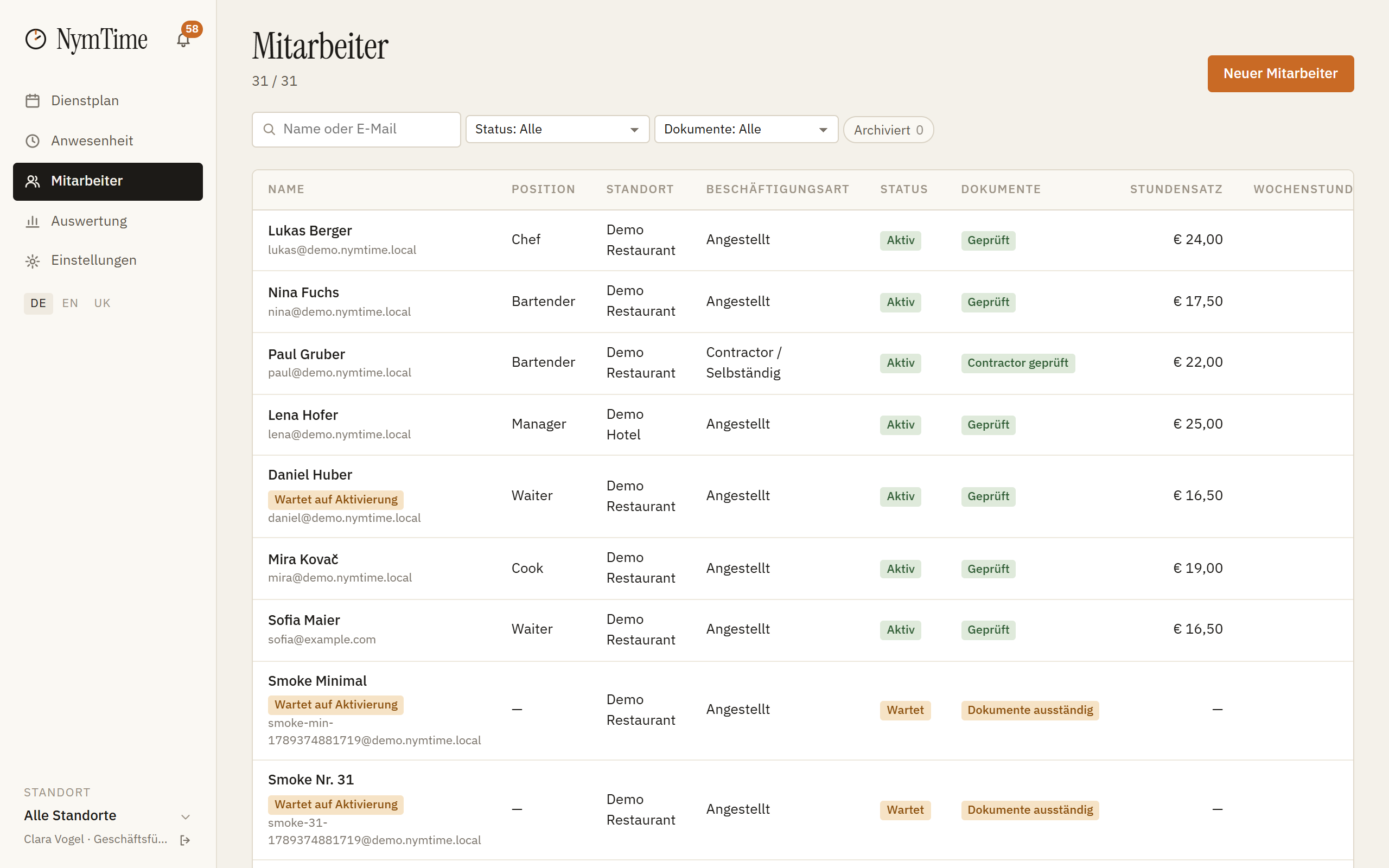
Create the profile
Under Employees → New you enter name, e-mail address, role and location. The profile appears in the plan at once; the status stays «open» until the person has bound their phone.
Invitation
«Send code» sends an e-mail with a link and a six-digit code. The same code is on the employee's card, in case the e-mail does not arrive.
Binding a phone
The person installs the app, enters their e-mail address, confirms the code and holds the phone to the NFC tag of their own location once. That binds exactly one device.
A new phone
When switching, the same confirmation runs again. The old device is blocked automatically, the business is notified and the change is logged.
A lost phone
In the profile under «Activation» you block a device immediately. From that moment no time entries are possible with it.