The request
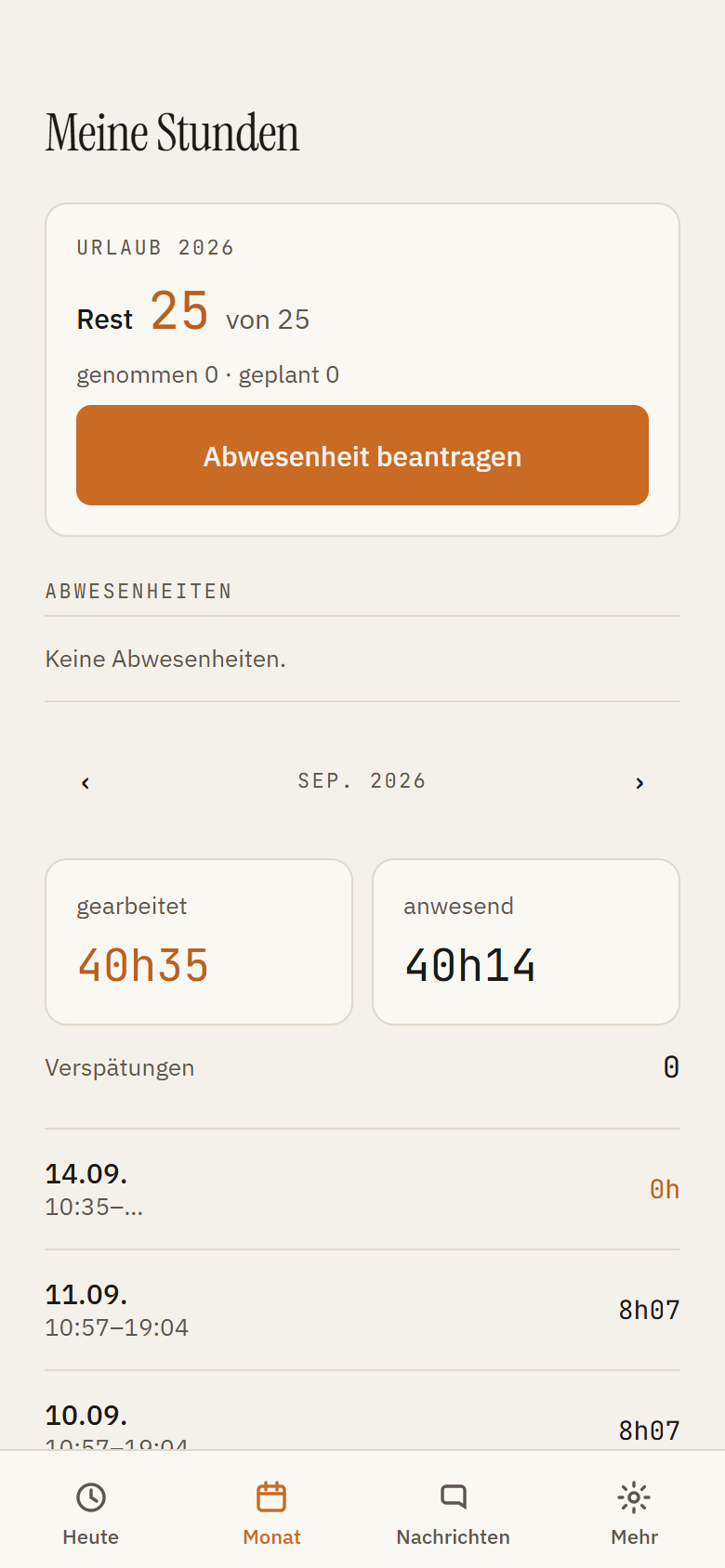
The employee files it in the app under Month: kind, period, optionally a note. Whole days, not hours.
The decision
The manager decides in the Back Office, in the schedule or from the bell. Public holidays and special leave are entered by the business only, not by the employee.
Planned shifts
If an approved absence covers shifts that were already planned, those shifts are cancelled — with an entry in the log and a notification to the managers of that location. Nothing disappears silently.
In the plan
Approved absences appear as codes in the weekly plan: V vacation, S sick leave, TL time off in lieu, CL care leave, PH public holiday. No shift can be placed on such a day.